

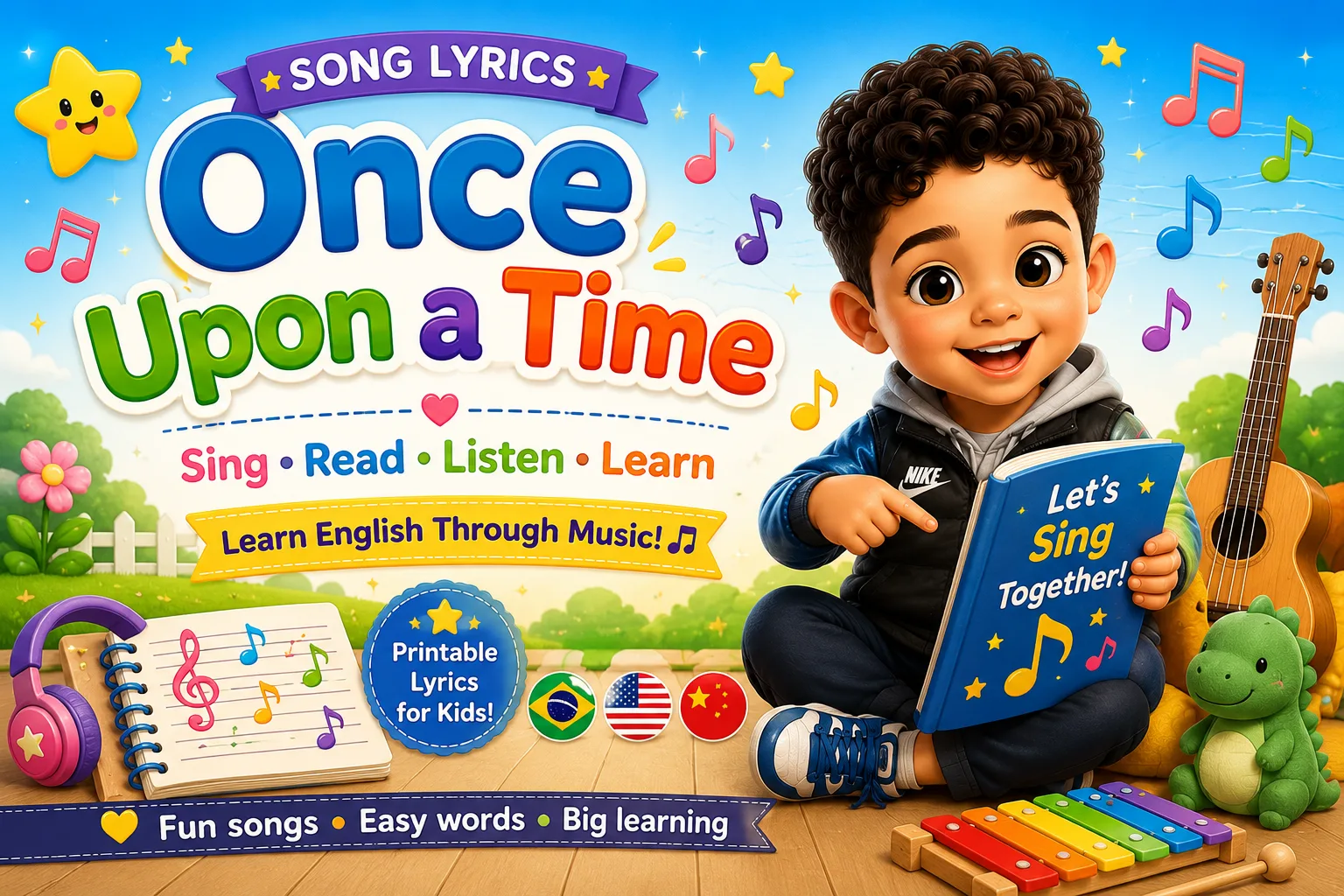
Once upon a time (Era uma vez)
Is a beautiful easy and slow song that may help you learn

A parent-powered learning platform with educational games, math, coding, typing, languages, printables, rewards, school resources, and safe social features designed for kids.
22 lessons available
Ask a parent to join so your points, badges and favorite games can be saved.
A private, parent-controlled platform where kids explore languages, earn rewards, chat with approved friends, and work through real lessons — all in one place.
Your child picks a native language and a target language. Every vocabulary lesson, flashcard set, and game adapts to their language pair — no setup needed beyond a single choice.
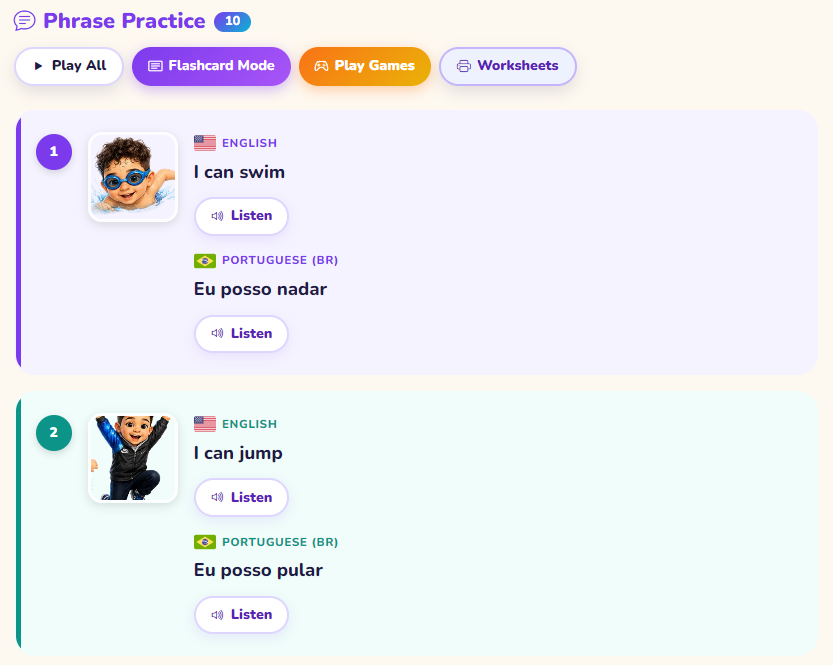 Language lesson with audio + vocabulary games
From vocabulary and math to typing, coding, and empathy stories — every activity is built to be done independently by the child, with clear feedback at every step.
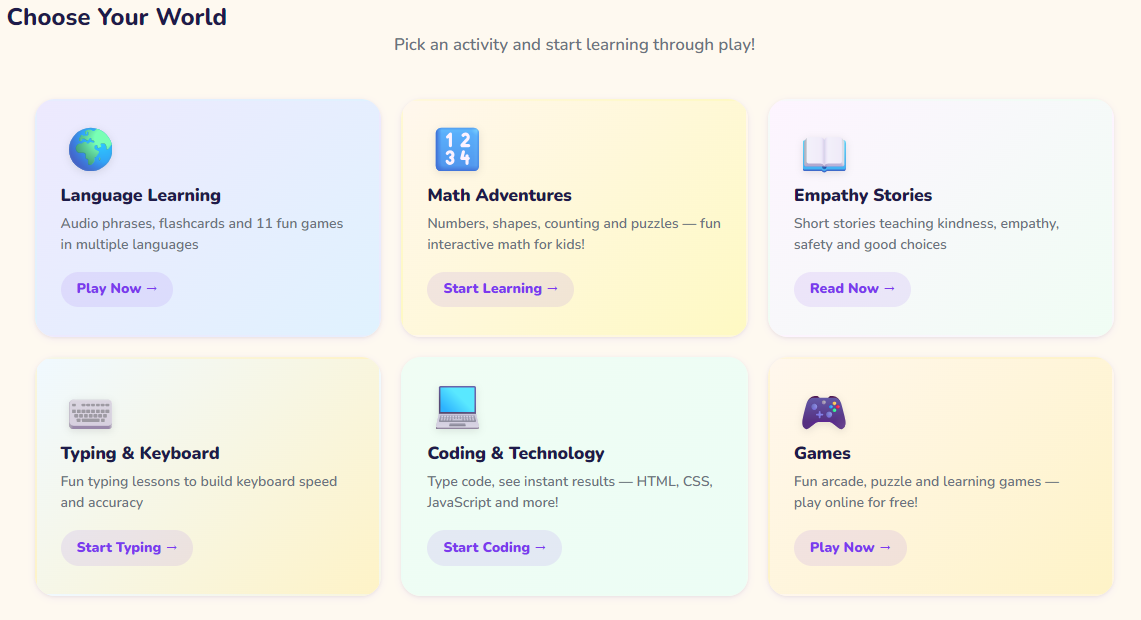 Lesson overview — language, math, typing, coding, stories
Children can only message people their parent has approved — no strangers, no random friend requests, no public profiles. Every connection starts with a parent decision.
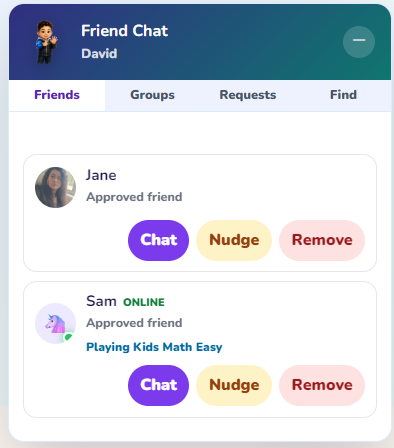 Chat with approved friends — clean, safe, parent-visible
Kids can send typing races, math contests, and story challenges to siblings or approved friends. Learning clubs let a group all work on the same lessons together — with a live leaderboard showing who's in the lead.
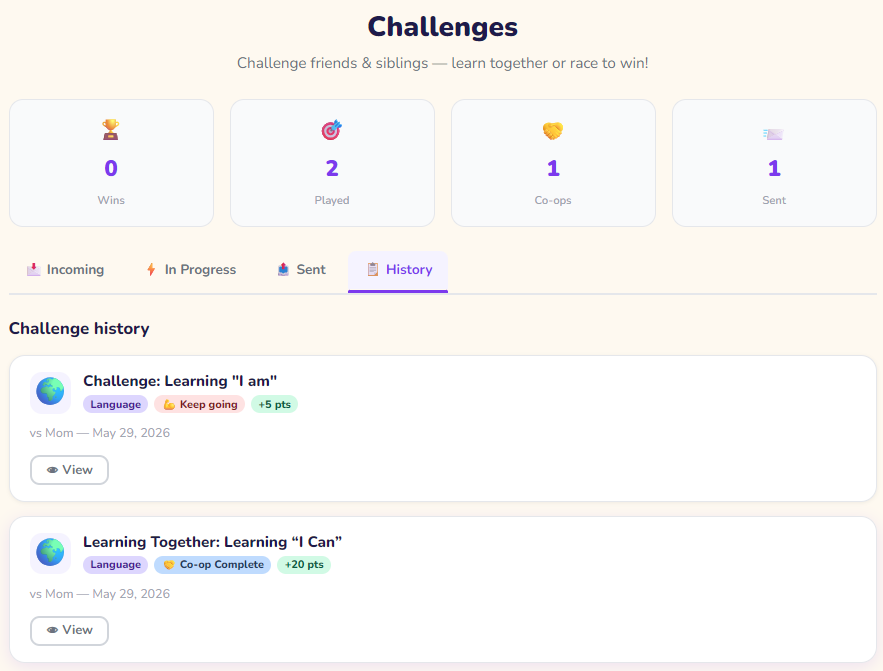 Challenge screen and club leaderboard
Parents create the rewards and decide which lessons unlock them. Kids earn points by completing those parent-chosen lessons, games, and challenges — and can spend points on rewards you've set up, like screen time, a treat, or a fun outing.
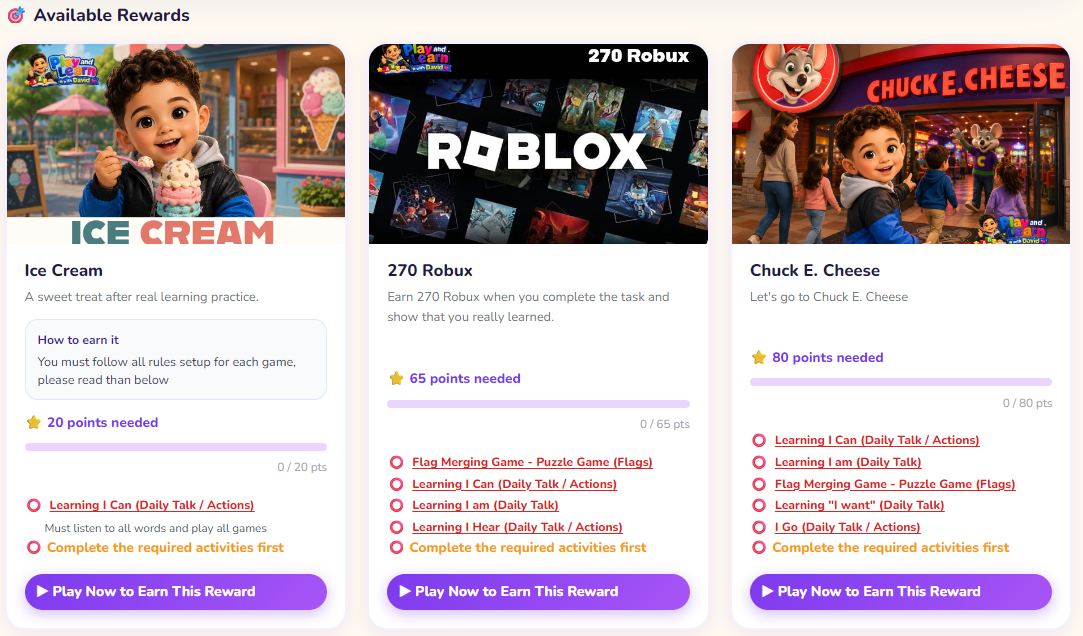 Parent sets rewards — child earns them on chosen lessons
Turn any vocabulary lesson into a printable worksheet — word searches, crosswords, matching exercises, and more. Perfect for offline practice, travel, or homework extension.
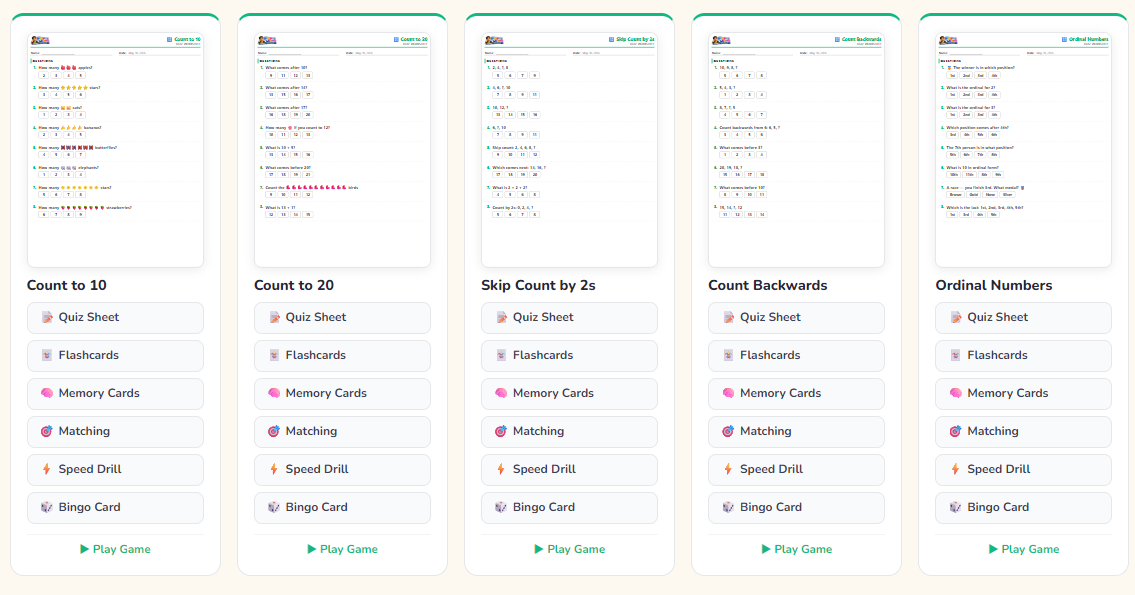 Worksheet generator — pick a topic, print in one click
Every child profile is private. There are no public leaderboards with real names, no data sold to advertisers, and no way for a stranger to contact your child without you explicitly approving it first.
 Parent dashboard — settings, activity log, approval controls
Pick an activity and start learning through play!
Audio phrases, flashcards and fun vocabulary games in multiple languages
Play Now →Numbers, shapes, counting and puzzles — fun interactive math for kids!
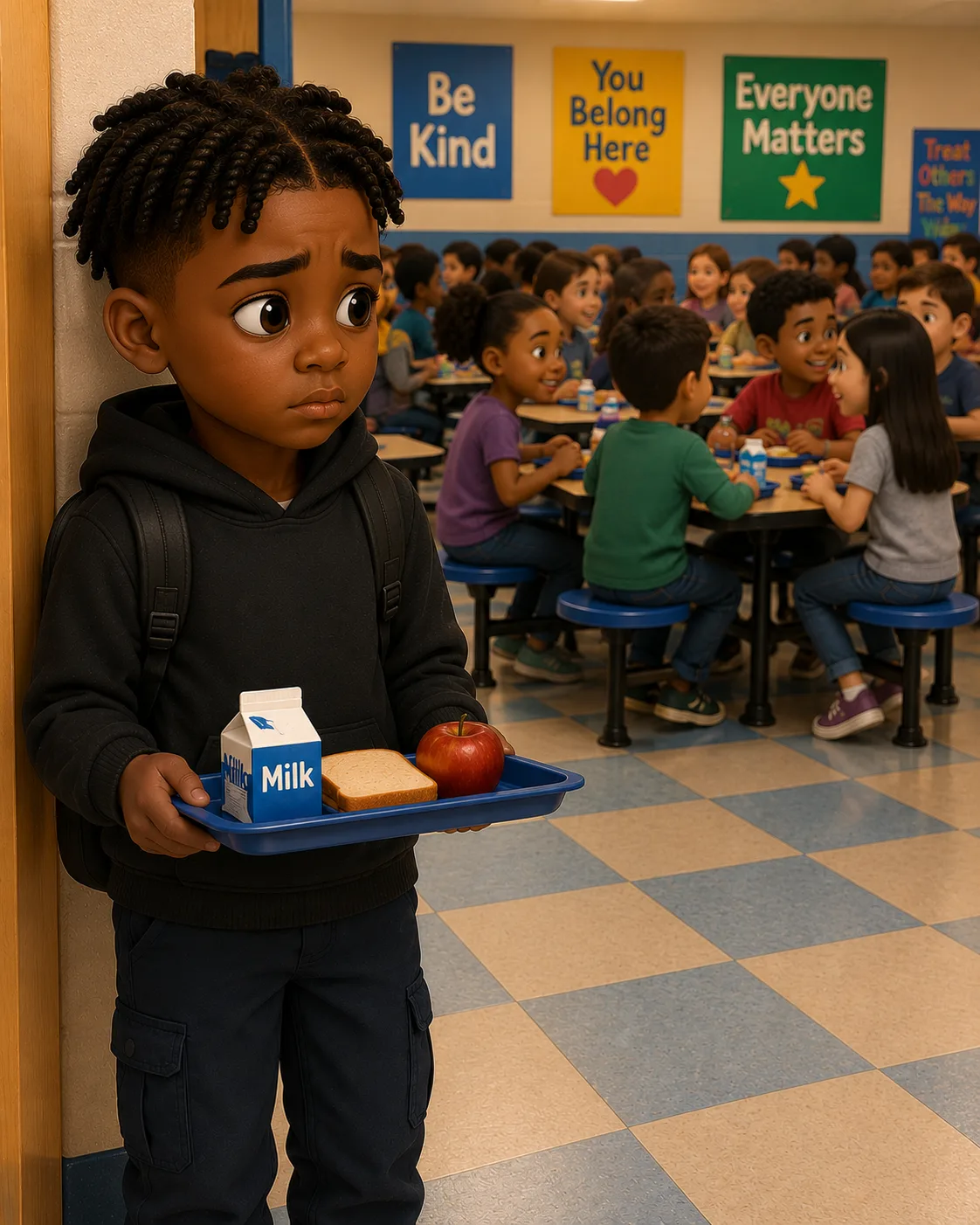
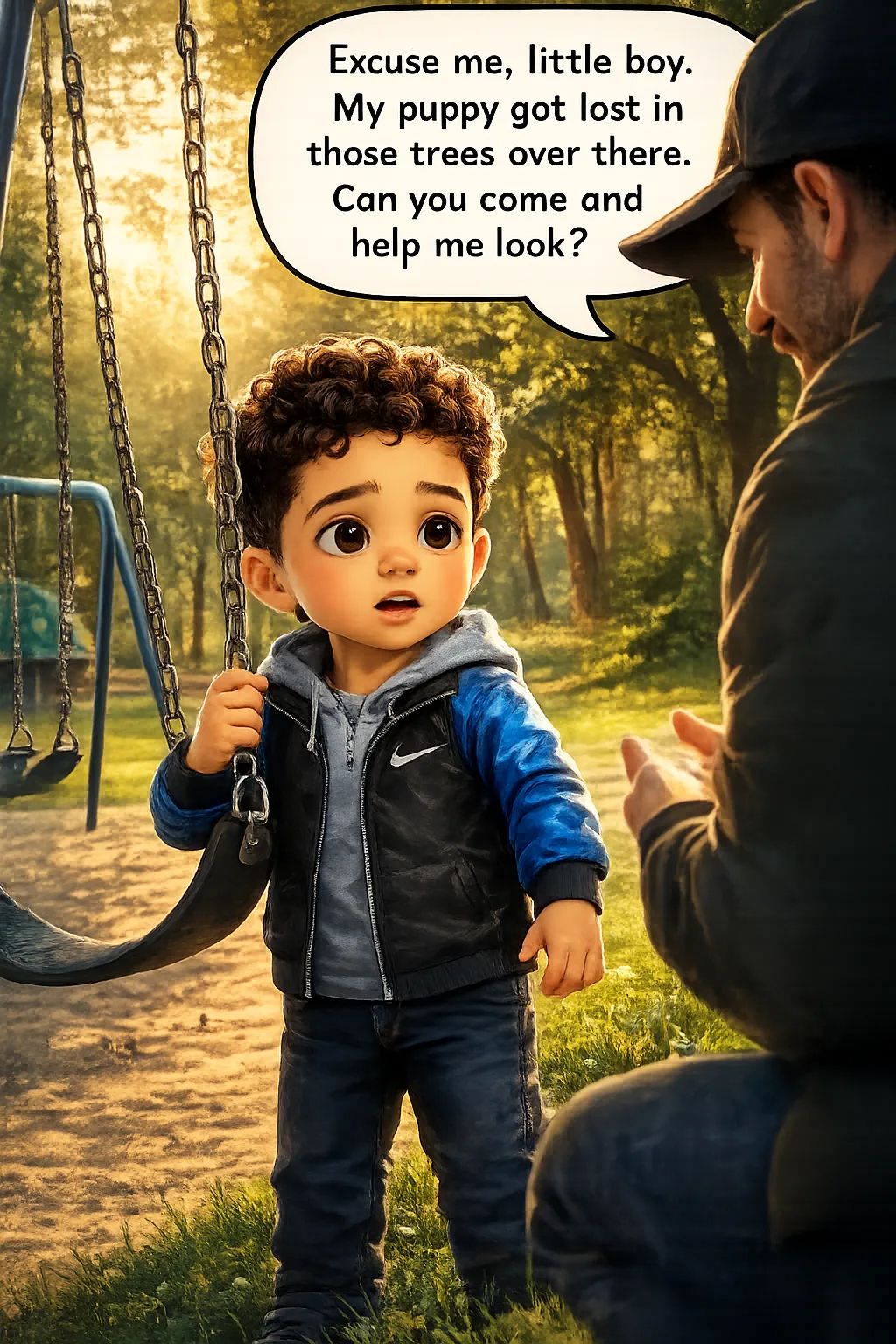
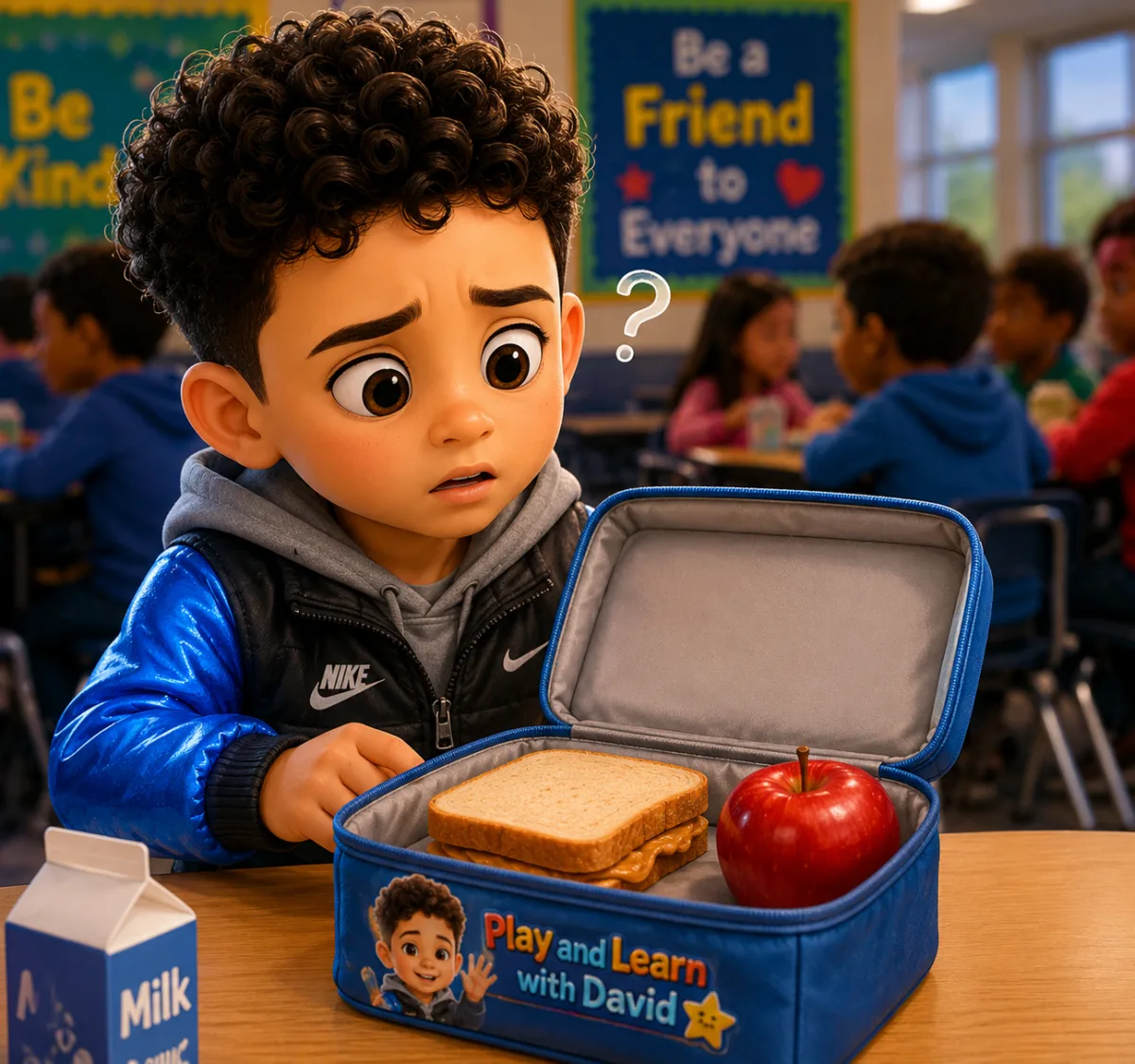
Start Learning →Short stories teaching kindness, empathy, safety and good choices
Read Now →Fun typing lessons to build keyboard speed and accuracy
Start Typing →Type code, see instant results — HTML, CSS, JavaScript and more!
Start Coding →Fun arcade, puzzle and learning games — play online for free!
Play Now →Word search, scramble, crossword and memory games — in any language
Explore Words →Print free coloring pages — animals, words, objects and more. New pages added automatically!
Color & Print →
Is a beautiful easy and slow song that may help you learn
In this lesson, kids learn simple sentences to talk about clothes they wear every day.
In this lesson, kids learn simple sentences to talk about going places in daily life.
In this lesson, kids learn simple sentences to talk about hearing sounds in daily life.
In this lesson, kids learn numbers from 81 to 100 using short, simple sentences.
In this lesson, kids learn numbers from 61 to 80 using short, simple sentences.
Install on your phone for offline access, faster loading, and a full-screen experience.
Word search, scramble, crossword and memory games — in any language.